Skip to wedding guide

Wedding planning guide

Plan the whole wedding story in one private place.

A reliable AI wedding workflow starts with one approved source of truth: the couple's names, event facts, preferences, cultural context, rights, and ordered timeline. AI Wedding Studio uses that private profile to help draft eight connected deliverables, while keeping missing facts visible for human review instead of inventing them.

  • Private by default
  • Facts stay reviewable
  • Earlier versions stay recoverable
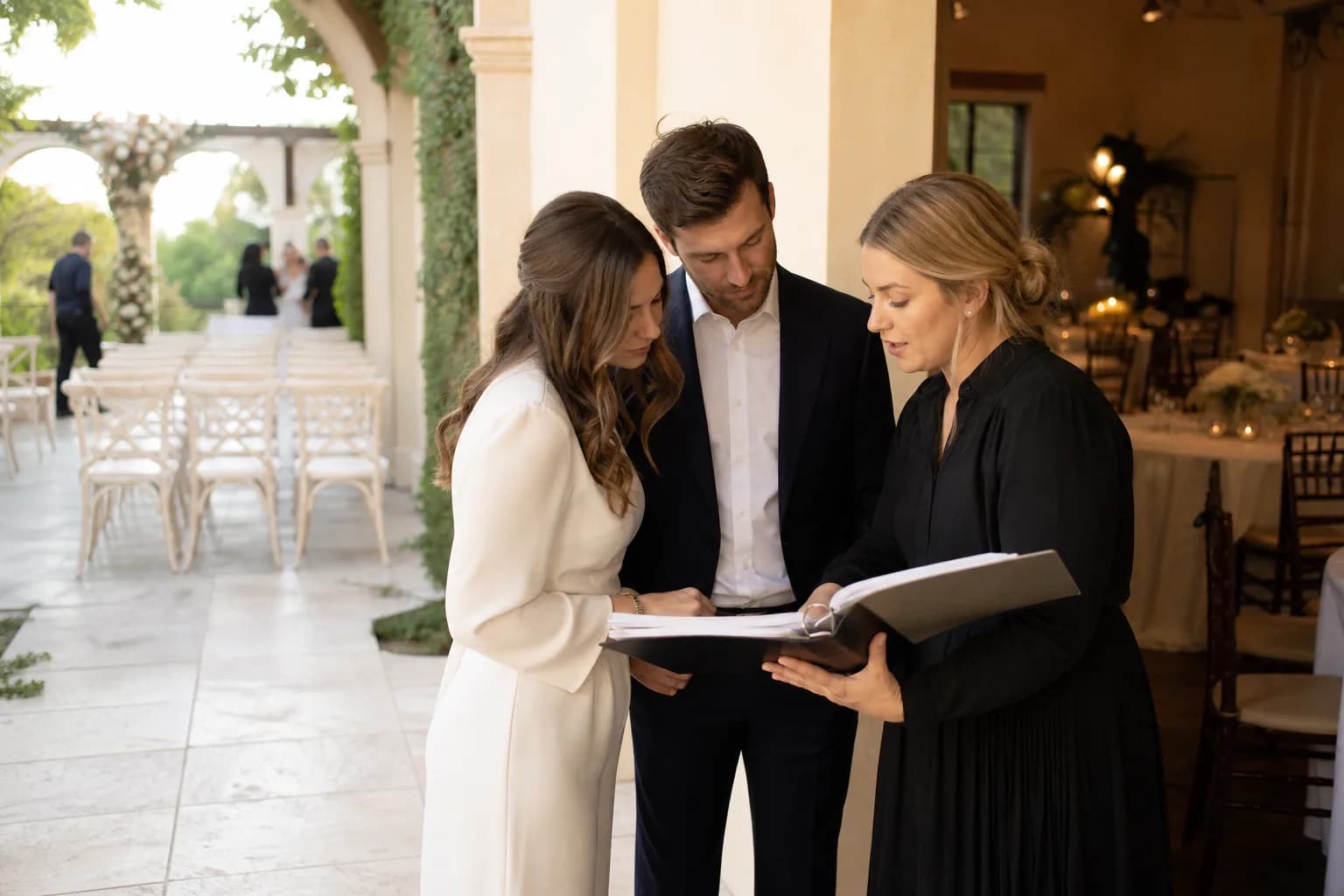
A couple and wedding planner reviewing one shared plan between ceremony and reception spaces

Explore the eight reviewed jobs

Everything the wedding needs, connected by one story.

Start with the right source material

Who this guide serves and what to prepare.

Designed for

  • Couples who want their invitations, ceremony words, reception media, and schedule to tell the same story.
  • Wedding planners coordinating drafts, approvals, vendors, and last-minute changes from one source of truth.
  • Trusted relatives, emcees, and creative vendors who need a clear brief without access to every private detail.

Inputs to approve

Wedding profile
Approved names, pronunciations, relationship summary, preferred tone, cultures, languages, and boundaries.
Event facts
Dates, time zones, venues, guest instructions, ceremony format, reception plan, and fixed vendor commitments.
Ordered timeline
Every important moment, its owner, location, dependencies, buffer, and the latest confirmed version.
Source materials and rights
Approved stories, photos, music preferences, usage context, consent limits, and proof that uploaded media may be used.

A bounded, review-first workflow

How to plan a coordinated wedding content suite

  1. 01

    Build the wedding source of truth

    Record only confirmed facts and label unresolved decisions. Keep personal stories in the couple's own words rather than asking AI to fill gaps.

  2. 02

    Order the day before drafting assets

    Anchor the ceremony, reception, travel, vendor, and access constraints so every script and media plan refers to the same sequence.

  3. 03

    Draft the next useful deliverable

    Start with the item blocking a real decision—often the timeline or invitation—then reuse approved facts across the remaining outputs.

  4. 04

    Review, version, and export

    Check factual consistency, spoken timing, venue practicality, privacy, and rights. Approve a version without losing earlier drafts.

01

Start with a source of truth, not eight disconnected prompts

Wedding content drifts when every document begins from a different message thread. A name spelling changes in the invitation but not the host script; the ceremony time moves but the video brief still uses the old schedule. A shared profile and ordered timeline make those conflicts visible before they reach guests or vendors.

The profile should distinguish confirmed facts from preferences and open questions. That boundary matters: useful assistance can shape wording and structure, but it should never invent a venue rule, family relationship, cultural ritual, personal memory, or permission that was not supplied.

  • Approve names, pronunciations, dates, venues, and time zones once.
  • Label sensitive facts and decide which collaborators genuinely need them.
  • Record why a version changed so an old detail does not return later.
02

Choose the deliverable that removes the next planning bottleneck

The eight guides are a menu, not a requirement to generate everything at once. A couple still confirming logistics should stabilize the timeline before polishing a host script. A couple sending save-the-dates should complete invitation facts before exploring reception slides or a montage.

Each output stays independently reviewable. That keeps a small invitation correction from silently rewriting vows, and it lets a planner invite the right reviewer for each job: officiant for ceremony language, venue for playback constraints, photographer for image rights, or emcee for pacing.

03

Review the set as one guest experience

Consistency does not mean every asset uses identical wording. It means facts agree, tone belongs to the same couple, and each piece does its own job. Invitations should scan quickly, vows should sound natural aloud, host scripts should run the room, and visual media should support rather than delay the event.

Run a final cross-check after any major schedule or venue change. Search every approved deliverable for the old fact, update only what is affected, and keep the previous version recoverable until the new one has been accepted by the responsible people.

Quality gate

How to judge the draft before it leaves the workspace.

Ready when

  • Names, dates, locations, time zones, and event order agree across every approved item.
  • Each deliverable has one clear audience, purpose, owner, and next action.
  • Spoken content has been read aloud; visual content has been tested in its real venue or device context.
  • Unconfirmed facts, private details, consent questions, and media rights are resolved or explicitly held back.

Revise when

  • A draft sounds polished but contains a memory, promise, instruction, or ritual nobody supplied.
  • The same paragraph is reused across assets even though guests, speakers, and vendors need different information.
  • A schedule change is corrected in one file while older versions continue circulating without a clear label.
  • A public share or vendor handoff exposes addresses, guest data, vows, or source media beyond what the task requires.

Privacy and rights

Keep the wedding workspace private by default

Wedding profiles can contain addresses, family relationships, private promises, guest instructions, photos, and vendor details. Store drafts and exports in an owner-scoped project, share only the minimum needed with each reviewer, and make public sharing a separate deliberate action.

Use only media you are authorized to provide. An original theme-song brief should describe mood, tempo, instrumentation, and structure—not copy a protected melody, lyric, recording, or named artist's identity. Photo and video plans should respect photographer terms, guest consent, and any extra protection needed for children.

  • Remove private addresses and access codes from public-facing copies.
  • Confirm consent before sharing vows, guest stories, photos, or recorded voices.
  • Retain source, version, and rights notes with every final export.

Questions couples ask before drafting

Frequently asked questions

Do we need to create all eight wedding deliverables?

No. Start with the deliverable that unblocks a real planning decision. The shared profile and timeline let you add the others later without re-entering approved facts.

Will AI Wedding Studio invent missing wedding details?

It should not. Missing names, dates, stories, permissions, and venue rules must remain questions for the couple or planner. Drafting can improve structure and wording only after the necessary source facts are supplied.

Can several people review the same wedding project?

The workflow is designed around scoped review, but access should be limited by role. An emcee may need the run of show, while a photographer may need the montage selection—not the couple's private vows or full guest data.

How do we handle a late schedule change?

Update the ordered timeline first, identify every deliverable that refers to the changed moment, create new versions of those items, and mark the superseded exports clearly so vendors do not use them.

Are our wedding drafts used as public examples?

No public use should be assumed. Wedding projects and outputs are private by default, and any public sharing or promotional use requires a separate explicit decision and the necessary rights and consent.
Your facts stay together

Move this guide into a private Wedding Project.

Keep the profile, ordered timeline, source materials, review notes, and approved versions in one owner-scoped workspace.
Start your private Wedding Project