What this recipe creates
One sheet for exploration and review.
Generate fashion campaign imagery with consistent styling, garment detail, art direction, and lookbook-ready image sequencing.
- Generated image concepts
- Review-ready visual variations
Fashion · Commercial production
Generate fashion campaign imagery with consistent styling, garment detail, art direction, and lookbook-ready image sequencing.
Your references, identity direction, and approved creative context stay reusable inside the Project.
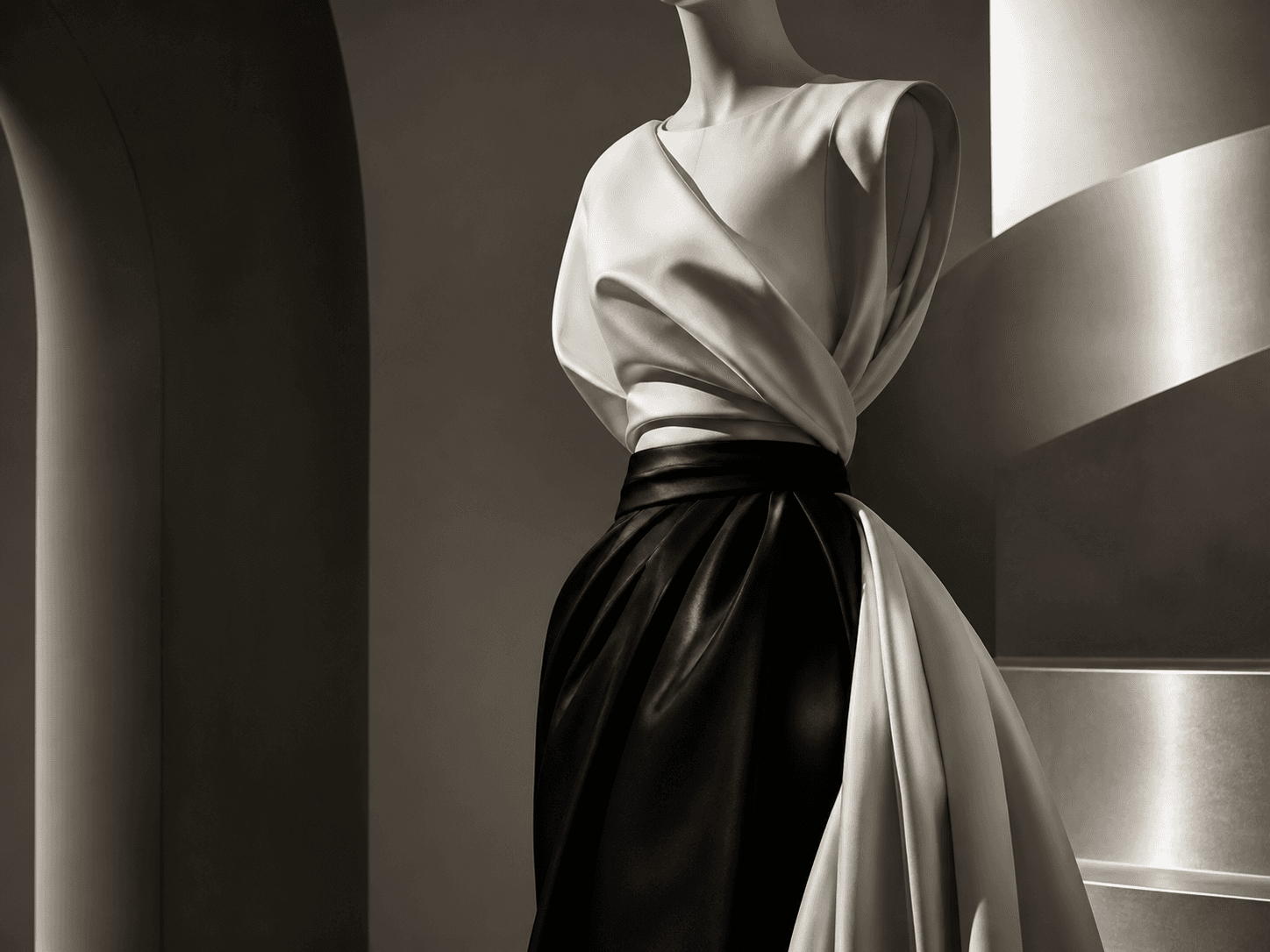
REVIEW REQUIRED
Identity · anatomy · costume · labels
Generated sheet
Start with view coverage and silhouette. Then check the face, anatomy, costume construction, props, and labels at full size.
What this recipe creates
Generate fashion campaign imagery with consistent styling, garment detail, art direction, and lookbook-ready image sequencing.
Required inputs
How it works
Use each step as a review gate. If one gate fails, change that input before spending another generation.
Define the collection, season, silhouette, palette, and brand references.
Quality check · Review the output against the Project identity and target channel.Select the scene mood, model direction, camera distance, and textile detail requirements.
Quality check · Review the output against the Project identity and target channel.Generate multiple crops, then keep only images that match the same campaign world.
Quality check · Review the output against the Project identity and target channel.Recommended model and tested settings
Quality checklist
Common failure modes
Add concrete material, lighting, and composition requirements.
State the aspect ratio and required negative space before generating.
Lock the art direction and vary one controlled element per run.
FAQ
It asks for fabric, fit, silhouette, and close-up detail constraints so outputs are easier to review for lookbook quality.
No. The structure works for premium, editorial, and boutique fashion campaigns when you adjust styling and materials.